Créez des applications iOS natives pour iPhone sans écrire une seule ligne de code
Adalo est un outil de création d'applications sans code qui associe une génération assistée par IA à un canevas visuel multi-écrans, permettant ainsi aux entrepreneurs et aux équipes d'entreprise de concevoir, de développer et de publier des applications personnalisées basées sur des bases de données sur l'App Store d'Apple, le Google Play Store et le Web à partir d'un seul projet. Il s'agit de véritables applications iOS natives, et non de simples interfaces Web, avec une utilisation illimitée dans le cadre des formules payantes.
SnapGrid
Créateur ✨
Photo du jour
Collection « Golden Hour » · 2 400 vues

Créez toutes les applications iPhone que vous pouvez imaginer
Des applications de marketplace aux plateformes de réservation : décrivez ce dont vous avez besoin et Ada, l'éditeur IA d'Adalo, génère en quelques minutes une application iPhone fonctionnelle grâce à Magic Start. Publiez-la ensuite sur l'App Store d'Apple à partir d'une seule version.
De l'idée à l'App Store —sans les obstacles habituels
Jusqu'à présent, la création d'une application iPhone nécessitait des compétences spécialisées, des outils coûteux et plusieurs mois de développement. Adalo élimine tous les obstacles entre votre idée et l'App Store.
Le problème classique des applications iPhone
- ✗Connaissances et Xcode requises — courbe d'apprentissage abrupte pour les non-développeurs
- ✗Configuration du programme pour développeurs , profils d'approvisionnement et gestion des certificats
- ✗Durée minimale de développement mois pour une application basique
- ✗ Budget compris entre et 150 000 dollars ou plus pour un développeur iOS professionnel ou une agence
- ✗Il faut disposer de bases de code si vous souhaitez également proposer des versions Android et Web
- ✗Coûts de maintenance liés aux mises à jour iOS, aux corrections de bogues et à la prise en charge des nouveaux appareils
La solution Adalo pour iPhone
- applications iOS natives (fichiers IPA) — pas de « web wrappers », pas d'applications PWA, pas de ponts React Native
- ✓Le canevas vous permet de visualiser tous les écrans et de concevoir votre application de manière spatiale, et non page par page
- génère une application complète à partir de votre description : lancez-la en quelques jours, pas en plusieurs mois
- ✓Accès avec utilisation illimitée dans le cadre des formules payantes : aucune limite en termes d'actions, d'utilisateurs, d'enregistrements ou de stockage
- version permet un déploiement simultané sur iOS, Android et le Web
- ✓Base de données relationnelle — aucun Firebase, Supabase ou configuration externe n'est nécessaire
Tout ce dont vous avez besoin pour créer et publier une application iPhone
De la conception de votre premier écran à la publication sur l'App Store, Adalo gère l'ensemble du processus de développement natif pour iOS afin que vous puissiez vous concentrer sur votre application, et non sur votre chaîne d'outils.
Véritables versions natives pour iOS
Adalo génère de véritables fichiers IPA compilés pour iOS, et non des applications web encapsulées ou des PWA. Votre application fonctionne en mode natif sur iPhone et bénéficie d'un accès complet aux fonctionnalités de l'appareil, notamment les notifications push, l'appareil photo, le GPS et l'authentification biométrique.
Publication sur l'App Store en un clic
Publiez directement sur l'App Store d'Apple depuis Adalo. Le processus de publication vous guide à travers les captures d'écran, les métadonnées, la description de l'App Store et les critères de validation, le tout en un seul endroit, sans avoir à utiliser Xcode.
Une interface visuelle adaptée à tous les écrans
Visualisez simultanément tous les écrans de votre application sur un seul canevas. Faites glisser, redimensionnez et reliez les écrans de manière visuelle, sans avoir à parcourir page par page une arborescence de widgets ou un storyboard. Il suffit de pointer n'importe quel élément pour y apporter des modifications.
Ada, l'outil de création basé sur l'IA d'Adalo
Décrivez votre application iPhone et Ada la génère grâce à Magic Start : écrans complets, base de données et navigation en moins de deux minutes. Utilisez Magic Add pour ajouter des fonctionnalités en langage naturel, et X-Ray pour identifier les problèmes de performances avant la publication.
Base de données relationnelle intégrée
Aucune configuration de Firebase ou Supabase n'est nécessaire. Adalo intègre une base de données relationnelle offrant des opérations CRUD complètes, l'authentification des utilisateurs et des autorisations basées sur les rôles. Définissez visuellement les collections, les relations et les règles d'accès.
Aperçu sur n'importe quel appareil
Pendant la création de votre application iPhone, prévisualisez-la sur n'importe quel modèle d'appareil iOS : iPhone SE, iPhone 16, iPhone 16 Pro Max. Découvrez exactement à quoi ressemble votre application et comment elle se comporte sur chaque taille d'écran avant de la soumettre à l'App Store.
Créé et publié avec Adalo
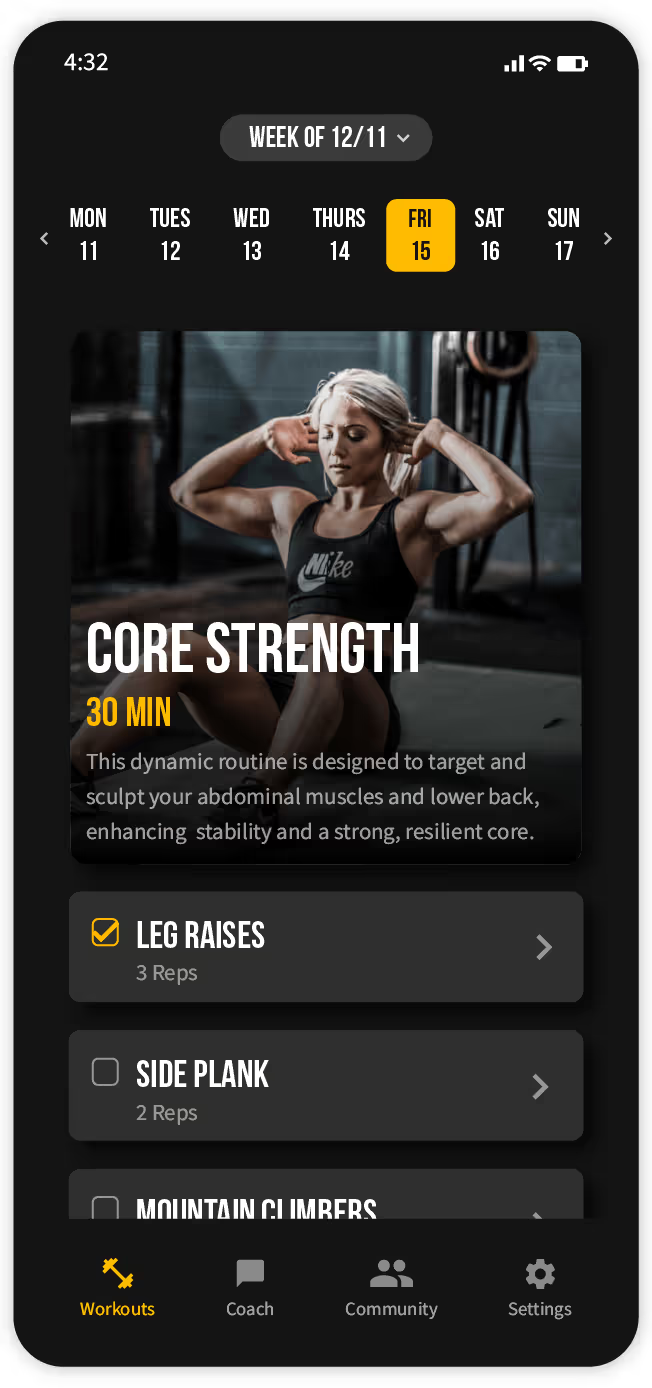
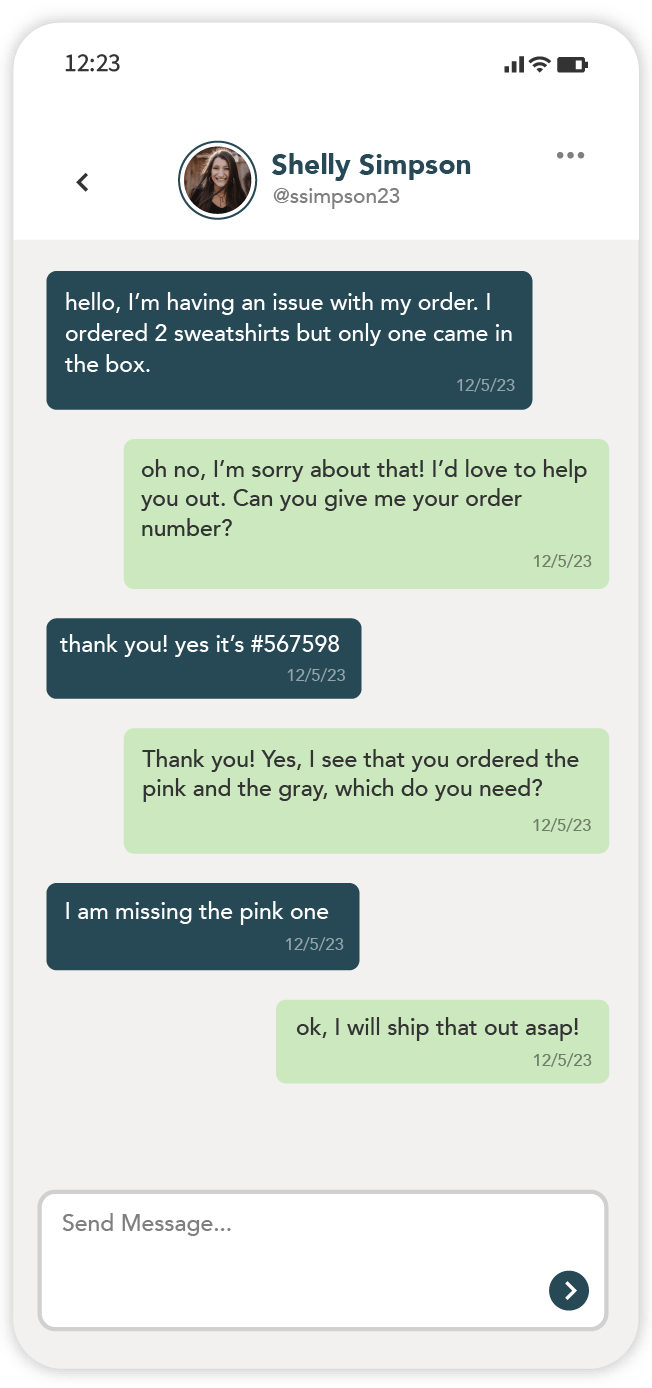
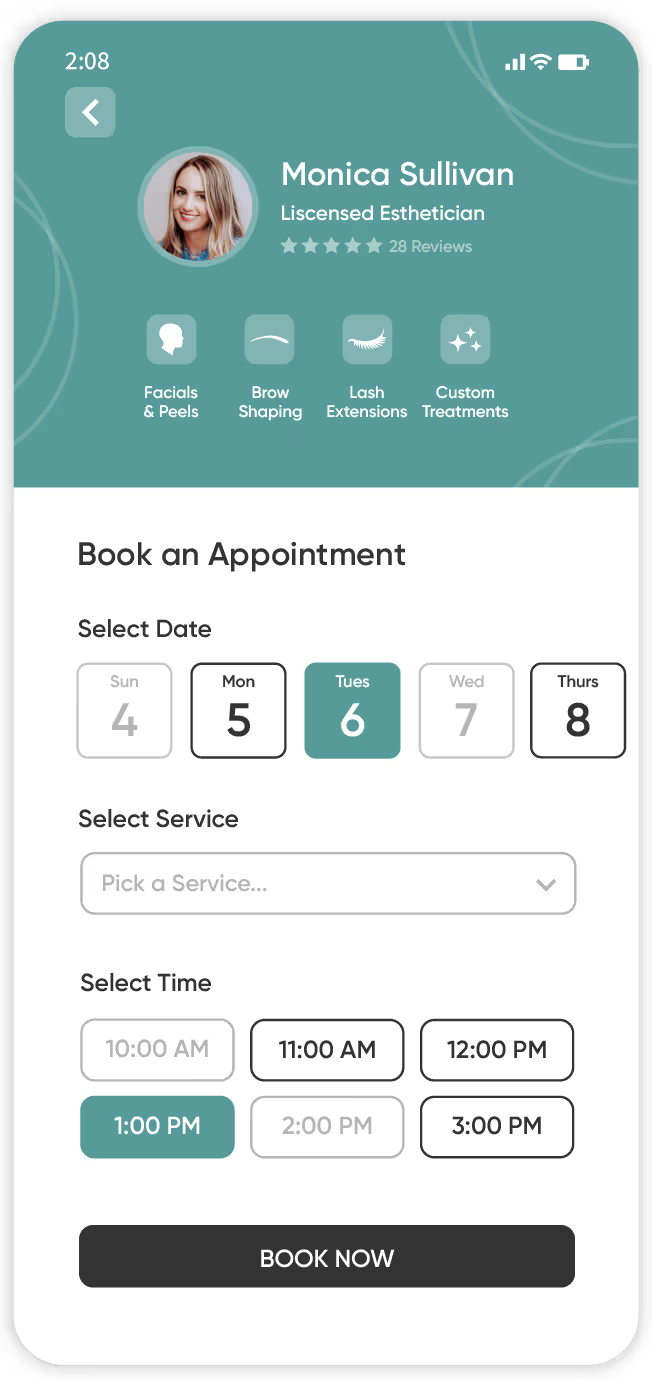
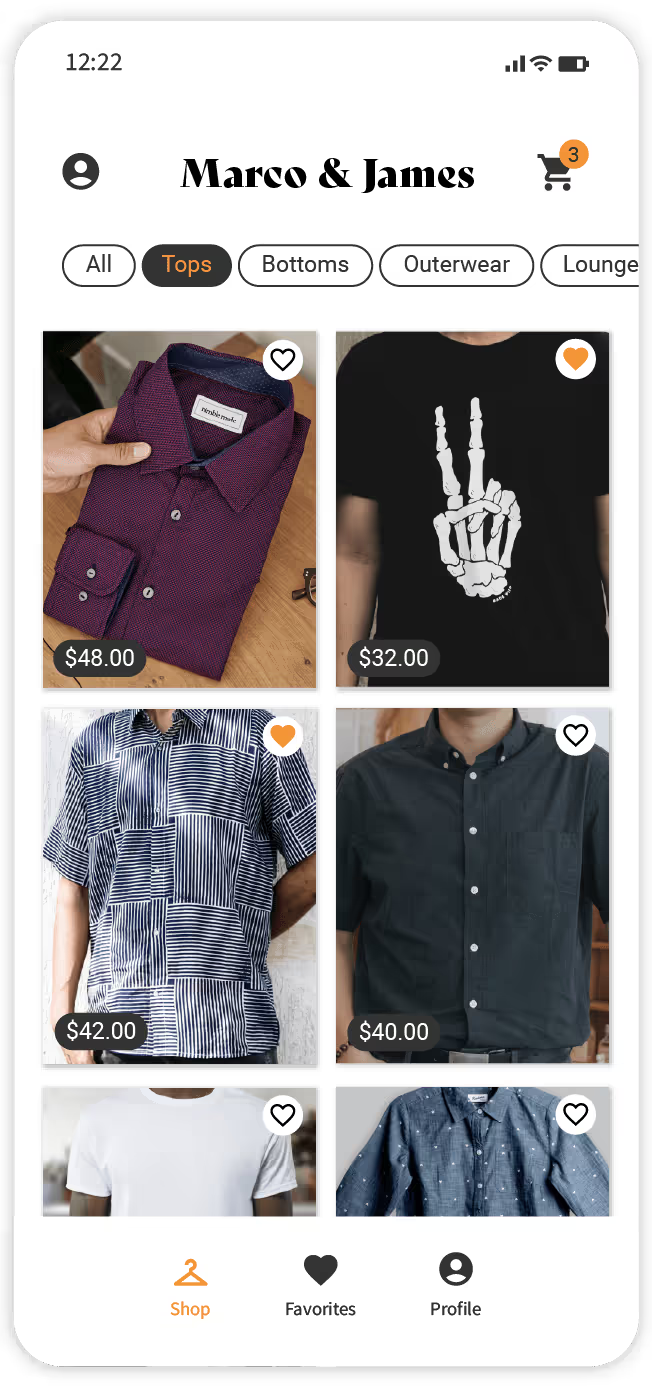
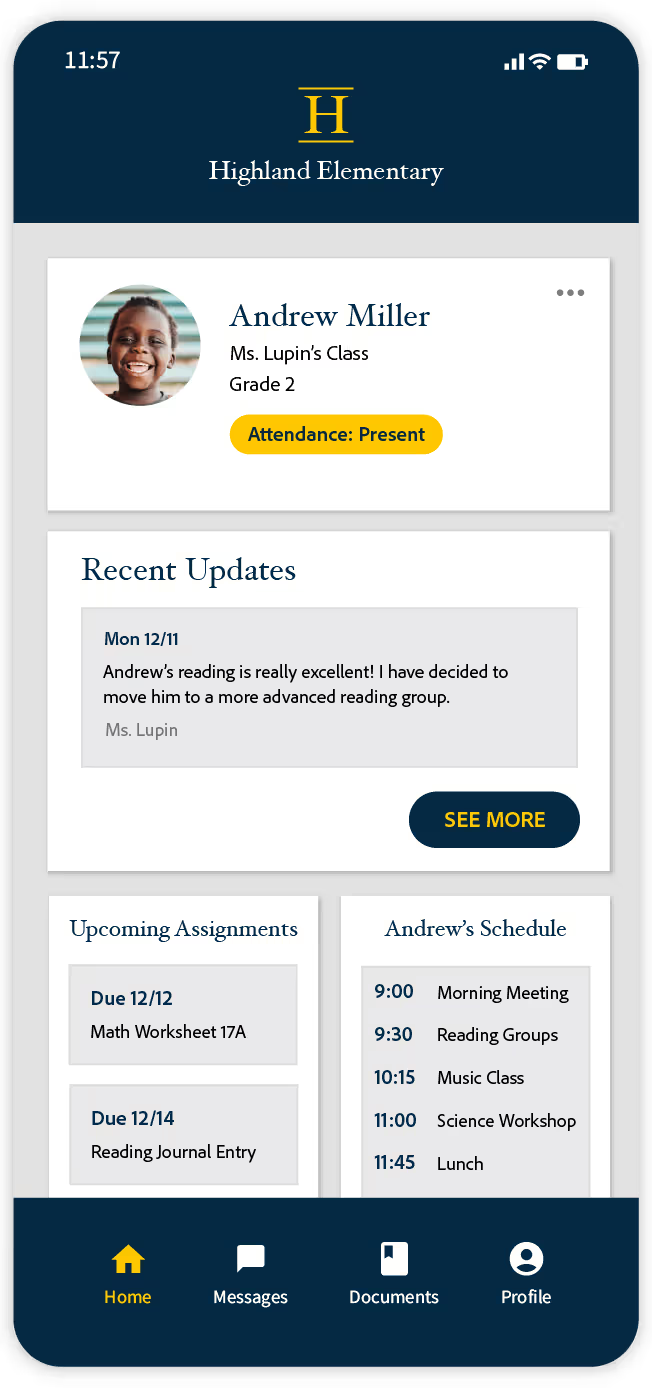
De véritables applications fonctionnant sur de véritables iPhone, créées à l'aide de l'éditeur visuel d'Adalo et publiées sur l'App Store d'Apple.
De l'idée à l'App Store en cinq étapes
L'infrastructure d'Adalo 3.0 (lancée fin 2025) est 3 à 4 fois plus rapide et peut prendre en charge plus d'un million d'utilisateurs actifs par mois. Voici comment créer et publier votre application iPhone.
Décrivez votre application à Ada
Dites à Ada, l'outil de création basé sur l'IA d'Adalo, ce dont votre application iPhone a besoin. Magic Start génère une application complète avec des écrans, une base de données et une navigation à partir de votre description, généralement en moins de deux minutes.
Personnaliser dans le canevas visuel
Visualisez simultanément tous les écrans de votre application iPhone sur le canevas d'Adalo. Pointez simplement les éléments pour demander visuellement à Ada d'ajuster les mises en page, les couleurs et les flux. Ajoutez de nouvelles fonctionnalités avec Magic Add en utilisant le langage naturel : pas de code, pas d'arborescence de widgets, pas de panneaux de propriétés.
Configurez votre base de données
La base de données relationnelle intégrée d'Adalo gère les données de votre application sans recourir à des services externes. Définissez des collections, établissez des relations entre les enregistrements, configurez l'authentification des utilisateurs et attribuez des autorisations basées sur les rôles. Si vos données se trouvent dans Google Sheets, connectez-les via SheetBridge en tant que base de données relationnelle.
Aperçu sur l'appareil
Prévisualisez votre application sur n'importe quel modèle d'iPhone directement depuis le canevas. Testez l'ensemble du parcours utilisateur (connexion, navigation, création de contenu, notifications) sur des écrans allant de l'iPhone SE à l'iPhone 16 Pro Max avant la publication.
Publier sur l'App Store d'Apple
Adalo compile votre application en un fichier IPA natif et vous guide tout au long du processus de soumission à l'App Store. Téléchargez l'icône de votre application, ses captures d'écran et ses métadonnées. Soumettez-la à l'examen d'Apple ; elle est généralement approuvée dans un délai de 24 à 48 heures. La même version est également déployée sur Google Play et sur le Web.
Comment Adalo publie votre application sur l'App Store
Pas besoin d'Xcode. Pas besoin de profils de provisionnement. Pas de casse-tête lié à la signature du code. Adalo se charge du processus de compilation native : il vous suffit de télécharger votre icône, vos captures d'écran et vos métadonnées.
App Store d'Apple
- Version native pour l'IPA — il ne s'agit ni d'une interface web ni d'une PWA
- Adalo se charge de la signature du code et de la mise en service
- Un compte développeur Apple est requis (99 $ par an)
- Le délai de traitement est généralement de 24 à 48 heures
Google Play
- APK natif généré à partir du même projet Adalo
- Inscription unique de 25 $ pour les développeurs
- Le délai de traitement est généralement de quelques heures à quelques jours
- Même application, même base de données, même logique
Application Web
- Se déploie automatiquement sous forme d'application web adaptative
- Partager via l'URL — aucune inscription sur la boutique n'est nécessaire
- Même version, mêmes données, mêmes comptes utilisateurs
- Fonctionnalités des applications web progressives incluses
La voie la plus rapide et la plus abordable vers l'App Store
Créez et publiez une application iPhone native sans écrire de code, sans faire appel à des développeurs et sans apprendre Swift. Déployez ensuite cette même application sur Android et sur le Web à partir d'une seule version.
Publication illimitée sur l'App Store
Le prix le plus bas pour la publication d'applications iOS natives avec une utilisation illimitée. Aucune limite en termes d'actions, d'utilisateurs, d'enregistrements ou de stockage. À comparer avec FlutterFlow à 80 $/mois par licence ou Thunkable à 189 $/mois pour la publication.
Une version, trois plateformes
Développez une seule fois, puis déployez sur iOS, Android et le Web. Même base de données, même logique, mêmes écrans. Pas de bases de code distinctes à gérer, pas de duplication des efforts de développement, pas de bogues spécifiques à une plateforme à traquer.
Aucun obstacle technique
Pas besoin de Swift, ni d'Xcode, ni de profils de provisionnement à gérer manuellement. Adalo se charge de l'ensemble du processus de compilation native, depuis votre conception visuelle jusqu'à l'obtention d'un fichier IPA compilé prêt à être soumis à l'App Store.
Livraison en quelques jours, pas en plusieurs mois
Passez de l'idée à la soumission sur l'App Store en quelques jours. Ada génère votre application initiale en quelques minutes grâce à Magic Start. Le développement iOS traditionnel nécessite au minimum 3 à 6 mois pour une application comparable.
Comment se positionne Adalo dans le domaine de la création d'applications iPhone
Découvrez comment la création de votre application iPhone avec Adalo se compare aux autres plateformes et au développement traditionnel.
| Fonctionnalité | Adalo | FlutterFlow | Thunkable | Traditionnel (Swift) |
|---|---|---|---|---|
| Versions natives pour iOS | ✅ Véritable IPA artisanale | ✅ Basé sur Flutter | ✅ React Native | ✅ Entièrement natif |
| Code requis | ✅ Aucun | Connaître le langage Dart, c'est utile | Aucune (mais limitée) | Swift et Xcode requis |
| Toile visuelle | ✅ Espace de travail multi-écrans | Arborescence des widgets + panneaux | Page par page | Storyboard (version limitée) |
| Création d'applications par l'IA | ✅ Ada (Magic Start) | ✅ Fonctionnalités d'IA | De base | ❌ |
| Base de données intégrée | ✅ Base de données relationnelle | ❌ Nécessite Firebase | ❌ Nécessite Airtable/Firebase | ❌ Configuration manuelle |
| Publication sur l'App Store | ✅ En un clic | En un clic | En un clic (formule à 189 $/mois) | Guide d'utilisation via Xcode |
| Prix de départ | ✅ Gratuit pour commencer | 80 $ par mois et par poste | 189 $/mois (pour la publication) | 99 $/an (compte développeur uniquement) |
| Android et le Web également | ✅ Même version | ✅ Site web distinct | ✅ Site web distinct | ❌ |
Conseils pour réussir la création d'une application iPhone
Suivez ces conseils pour que votre application iPhone soit validée et obtienne de bons résultats sur l'App Store.
Modèles de conception pour iOS
Utilisez des barres d'onglets pour la navigation principale, des contrôleurs de navigation pour les flux de navigation en profondeur, et respectez les zones de sécurité autour de l'encoche et de l'icône d'accueil. Les utilisateurs d'iPhone s'attendent à des schémas d'interaction cohérents avec iOS : votre application doit donner l'impression d'être native dès le premier clic.
Optimiser les images pour Retina
Les écrans des iPhone sont des écrans Retina haute densité. Utilisez des images avec une résolution multipliée par 2 ou par 3 pour éviter tout flou. Compressez les images avant de les télécharger : les fichiers volumineux non compressés ralentissent votre application et allongent les temps de chargement.
Tester plusieurs tailles d'écran
Prévisualisez votre application sur l'iPhone SE (le plus petit), l'iPhone 16 (standard) et l'iPhone 16 Pro Max (le plus grand) avant de la soumettre. Les mises en page qui s'affichent correctement sur un format d'écran peuvent déborder ou laisser des espaces vides sur un autre. La fonctionnalité de prévisualisation des appareils d'Adalo vous permet de vérifier cela en un clin d'œil.
Respectez les directives d'Apple en matière d'évaluation
La plupart des refus de l'App Store ne sont pas d'ordre technique, mais liés au contenu. Assurez-vous que votre application dispose d'une politique de confidentialité complète, qu'elle ne contient aucun contenu provisoire, que ses métadonnées sont exactes et qu'elle a un objectif clair. Il est recommandé de consulter les directives d'interface utilisateur d'Apple avant de soumettre votre application.
Conditions requises pour publier une application sur l'App Store
Compte développeur Apple
Obligatoire selon Apple pour toute soumission à l'App Store. Coût : 99 $ par an. Inscrivez-vous sur developer.apple.com — la validation prend généralement entre 24 et 48 heures pour les comptes individuels.
Compte Adalo (gratuit au départ)
La publication sur l'App Store nécessite un abonnement payant Adalo, qui offre une utilisation illimitée. Aucune limite en termes d'actions, d'utilisateurs, d'enregistrements ou de stockage. L'abonnement gratuit comprend 500 enregistrements pour vous permettre de créer des prototypes avant de vous engager.
Icône de l'application et captures d'écran
Apple exige une icône d'application de 1024 x 1024 pixels ainsi que des captures d'écran pour chaque format d'appareil pris en charge. Le processus de publication d'Adalo vous guide à travers les spécifications requises pour les ressources et les champs de métadonnées.
URL de la politique de confidentialité
Apple exige que chaque application dispose d'une URL menant à une politique de confidentialité accessible au public. Celle-ci doit décrire les données collectées par votre application, la manière dont elles sont utilisées et la procédure à suivre pour que les utilisateurs puissent demander leur suppression. Des générateurs gratuits sont disponibles en ligne.
Apprenez à créer des applications iPhone avec Adalo
Des guides étape par étape, de la documentation et des tutoriels pour vous aider à créer, tester et publier votre application iPhone.
Publication sur l'App Store iOS
Guide complet : configuration du compte Apple Developer, exigences relatives à l'icône de l'application, spécifications des captures d'écran, métadonnées et soumission.
Consulter la documentation →Les bases des bases de données relationnelles
Comprenez les collections, les relations et les liens entre les enregistrements : les fondements de toute application iPhone basée sur les données.
Consulter la documentation →De Google Sheets vers l'application via SheetBridge
Vous gérez déjà vos données dans des feuilles de calcul ? Connectez Google Sheets en tant que base de données relationnelle et développez votre application iPhone à partir de celle-ci.
Lire le guide →Connexion d'API externes
Comment utiliser les collections externes et les actions personnalisées pour connecter votre application iPhone à des services et API tiers.
Consulter la documentation →Questions fréquentes sur le développement d'applications iPhone
Adalo permet-il de créer de véritables applications natives pour iPhone ou s'agit-il simplement d'interfaces web ?
Adalo génère de véritables versions natives iOS (fichiers IPA) qui s'exécutent en mode natif sur iPhone. Il ne s'agit ni d'applications web progressives (PWA), ni d'enveloppes web, ni de ponts React Native. Votre application utilise des composants natifs iOS et dispose d'un accès complet aux fonctionnalités de l'appareil, telles que les notifications push, l'appareil photo et le GPS.
Combien coûte la création et la publication d'une application iPhone avec Adalo ?
L'offre de publication sur l'App Store proposée par Adalo comprend une utilisation illimitée : aucune restriction en termes d'actions, d'utilisateurs, d'enregistrements ou de stockage. Vous devrez également disposer d'un compte développeur Apple (99 $/an). Le développement iOS classique coûte généralement entre 50 000 et 150 000 $ pour une application similaire.
Dois-je connaître Swift ou utiliser Xcode ?
Non. Adalo gère l'intégralité du processus de compilation native. Vous concevez votre application sur un canevas visuel, et Adalo la compile en un fichier IPA prêt à être soumis à l'App Store. Pas de langage de programmation, pas d'IDE, pas de ligne de commande.
Combien de temps faut-il pour qu'une application iPhone soit disponible sur l'App Store ?
La plupart des développeurs passent de l'idée à la soumission sur l'App Store en 1 à 3 semaines. Ada, l'outil de création basé sur l'IA d'Adalo, peut générer votre application initiale en quelques minutes grâce à Magic Start. Le processus de validation d'Apple prend généralement entre 24 et 48 heures après la soumission.
Puis-je créer une seule application qui fonctionne à la fois sur iPhone et sur Android ?
Oui. Adalo vous permet de créer une seule version de votre application qui se déploie sur iOS, Android et le Web. Même base de données, mêmes écrans, même logique. Vous n'avez pas à gérer plusieurs bases de code ni à dupliquer le travail de développement.
Quelles fonctionnalités de l'iPhone mon application peut-elle utiliser ?
Les applications Adalo prennent en charge les notifications push, l'accès à l'appareil photo et à la photothèque, le GPS et les services de localisation, l'authentification biométrique, la lecture de codes QR et de codes-barres, ainsi que la persistance des données hors ligne. Certaines fonctionnalités liées au matériel, telles que HealthKit ou NFC, nécessitent des composants personnalisés.
Mon application sera-t-elle acceptée par l'App Store d'Apple ?
Les applications Adalo sont conçues pour répondre aux exigences techniques d'Apple. Les problèmes fréquemment relevés lors de la révision ne sont pas d'ordre technique, mais concernent le contenu (métadonnées incomplètes, absence de politique de confidentialité, contenu provisoire). Le processus de publication d'Adalo vous guide dans la préparation des ressources et des métadonnées requises.
Puis-je mettre à jour mon application une fois qu'elle est disponible sur l'App Store ?
Oui. Apportez vos modifications dans l'éditeur Adalo, prévisualisez-les sur votre appareil, puis envoyez une mise à jour. Les modifications apportées au contenu et aux données se synchronisent immédiatement, sans qu'il soit nécessaire de soumettre une nouvelle version à l'App Store. Les modifications de mise en page et de fonctionnalités nécessitent une nouvelle version et un nouveau cycle de validation.
Qu'est-ce qu'Adalo ne peut pas faire que le développement natif en Swift permet de faire ?
Adalo couvre la plupart des fonctionnalités des applications, mais présente certaines limites. Les animations avancées, le rendu personnalisé via Metal/GPU, l'intégration poussée avec HealthKit/HomeKit et les fonctionnalités complexes en temps réel, telles que les appels vidéo, nécessitent du code natif. Si vous avez besoin d'un contrôle précis au pixel près sur chaque API iOS, Swift vous offre un accès complet. Pour 90 % des applications professionnelles et grand public, les capacités d'Adalo sont suffisantes.
Ai-je besoin d'un Mac pour créer des applications iPhone avec Adalo ?
Non. Adalo fonctionne dans votre navigateur web, quel que soit votre système d'exploitation. La compilation native pour iOS s'effectue sur les serveurs d'Adalo, et non sur votre ordinateur. Vous n'avez pas besoin d'un Mac, d'Xcode ni d'aucun matériel spécifique à Apple.
Découvrez comment publier votre application sur l'App Store d'Apple →
Découvrez les autres solutions d'Adalo : créateur d'applications Android, créateur d'applications Web, applications CRM, applications de commerce électronique, applications de fitness et applications de marketplace. Découvrez-en plus sur le créateur d'applications sans code d'Adalo.
Prêt à créer votre application iPhone ?
Commencez avec notre formule gratuite, qui comprend votre propre base de données Postgres hébergée et 500 enregistrements gratuits. Décrivez votre application à Ada, personnalisez-la sur le canevas visuel, puis publiez-la sur l'App Store d'Apple avec un accès illimité.